Create a trip
Set the name, dates, destination, transport and who is going.
- On the home screen, tap New trip.
- Enter a Trip name.
- Under When, pick the start and end dates.
- Under Where, search for the destination.
- Pick the Transport: how you are getting there.
- Under People, tap Add a person for each adult, kid or baby going. They do not need an account.
- Choose an icon and color if you like, then save.
After that
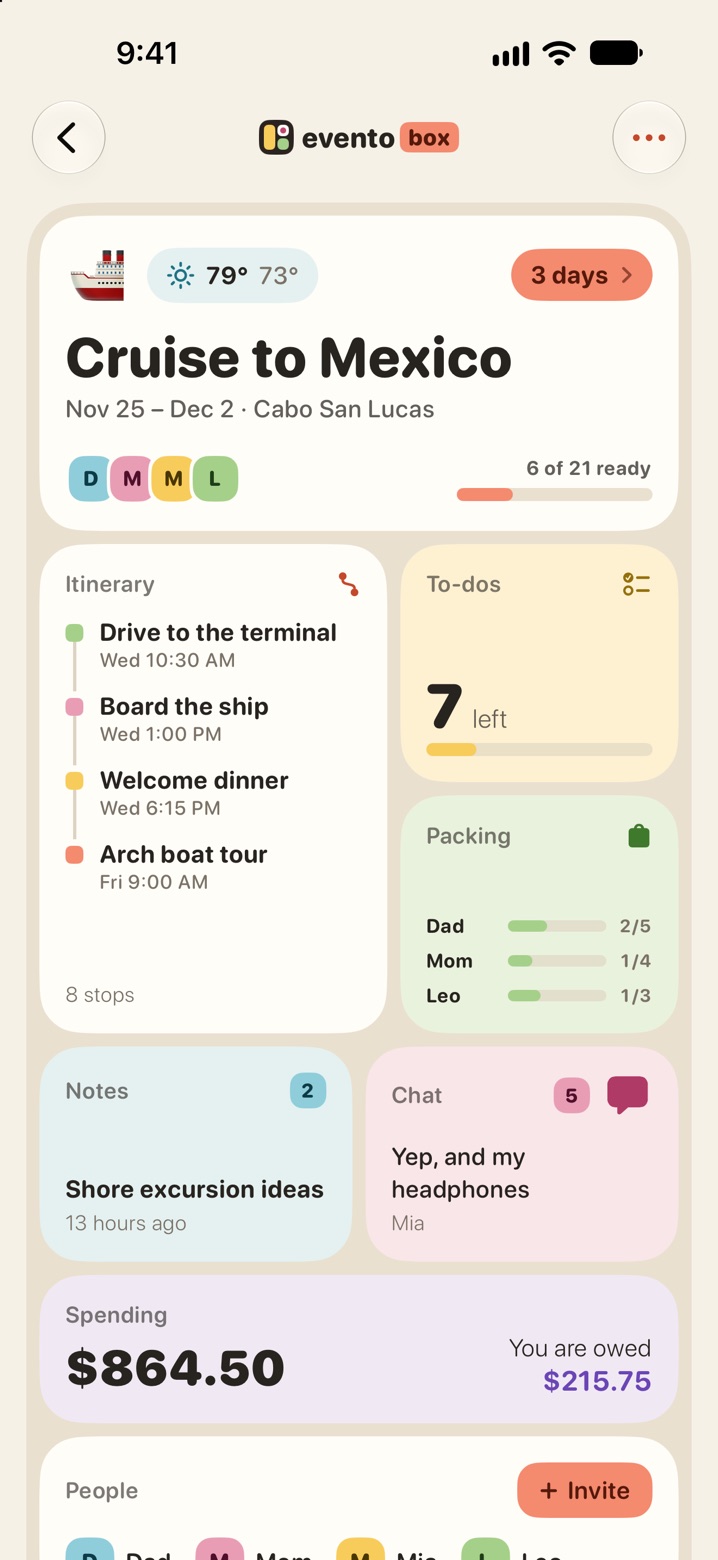
The trip opens with a compartment for each part: Itinerary, To-dos, Packing, Notes, Chat, Spending and People. The home screen shows a countdown to the trip.
To change anything later, open the trip, tap the menu at the top right and choose Edit trip. Delete trip is in the same menu.
The destination and dates are used for the weather and for packing suggestions, so it helps to fill them in.